Ring Video Doorbell Review 2026: the Best Ring Doorbell for Elderly Parents, or Just Hype?
Our Verdict
The Ring Video Doorbell is a genuinely useful front-door safety tool for most seniors, and we recommend it for families who want a reliable, easy-to-monitor camera their parent can use without much fuss. That said, it does require a smartphone to get full value, and the subscription plan adds ongoing cost that some families don’t expect upfront. Prices start around $100 for the basic wired model and go up to around $250 for the battery-plus-colour-night-vision version.
Best for: Seniors who live alone and whose adult children want to remotely check who’s at the door, or families worried about a parent answering the door to strangers.
Not ideal for: Seniors with very limited smartphone access or those whose family members aren’t able to help with occasional app maintenance.
What Is Ring Video Doorbell?
Ring Video Doorbell is a Wi-Fi connected camera that replaces or supplements a traditional doorbell. When someone presses the button or walks up to the door, it sends an alert to a smartphone, letting whoever has the app see, hear, and speak to the visitor in real time. Amazon owns Ring, and the product has been on the market long enough that it’s gone through several generations of hardware improvements.
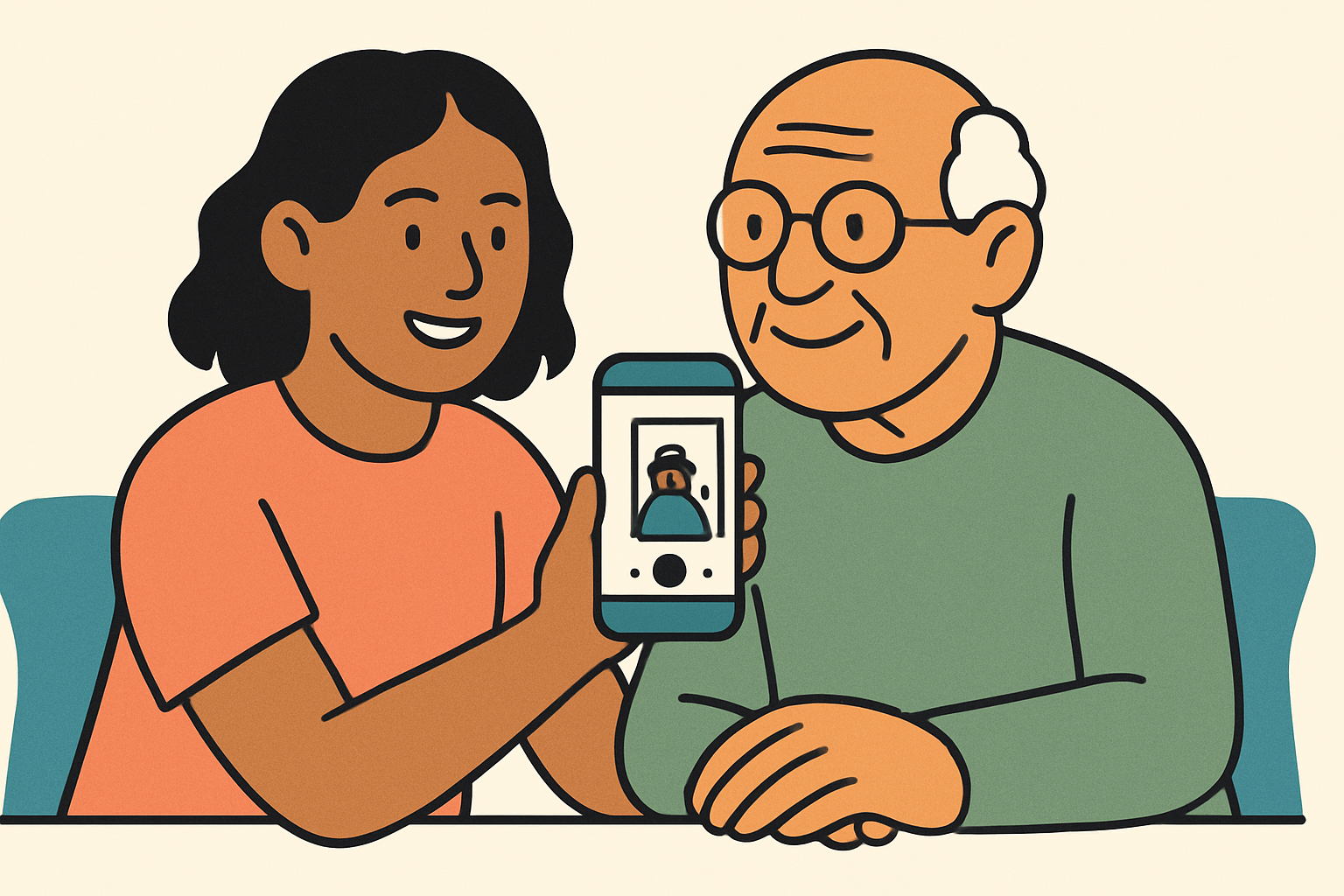
For elderly parents, the appeal is clear. Your mum or dad doesn’t have to scramble to the door to see who’s there. They can look at a tablet or phone screen first, decide whether they want to answer, and even talk to the visitor without opening the door at all. For a parent who’s had a fall, lives alone, or is simply more cautious about strangers, that matters a lot.
There are several models in the Ring lineup, but the standard Ring Video Doorbell (battery-powered, around $100) and the Ring Video Doorbell Pro 2 (wired, around $250) are the two most relevant for most families. We’ll focus primarily on the core battery model here, since it works without any existing doorbell wiring and is the one most families actually install.
Key Features
- 1080p HD video with colour night vision (Pro models): The basic model gives you clear daytime footage, while the Pro 2 adds colour night vision so you can actually see who’s there after dark. For a senior who gets evening visitors, that upgrade is worth considering.
- Two-way audio: Your parent can speak directly through the doorbell to whoever’s outside, without opening the door. This is one of the most practically useful features for safety-conscious seniors.
- Motion detection with adjustable zones: The doorbell sends alerts when it detects movement, not just when someone presses the button. You can tune the sensitivity so it doesn’t ping you every time a car drives past.
- Live view from anywhere: You can pull up a live camera feed from your phone at any time, even if no one’s at the door. This is genuinely useful when you want to check in on your parent’s front porch activity remotely.
- Battery life of six to twelve months (basic model): The rechargeable battery lasts a long time between charges, though high-traffic areas drain it faster. When it needs charging, it does require someone to remove the unit and plug it in, which can be tricky for parents with arthritis or limited grip strength.
- Works with Amazon Alexa: If your parent already uses an Echo Show, Ring integrates with it naturally. They can say “Alexa, show me the front door” and get a live view on the screen, no phone required. For seniors less comfortable with smartphones, this is a real advantage.
- Shared access for family members: Multiple people can connect to the same Ring account. You, your siblings, and a neighbour can all receive alerts and check the camera, which spreads the monitoring responsibility.
- Pre-roll video capture (Pro models): The Pro 2 captures a few seconds of footage before motion is detected, so you see the full picture of what happened rather than just the tail end of someone walking away.
Pros and Cons
| Pros | Cons |
|---|---|
| Genuinely deters doorstep scammers and uninvited salespeople | Requires a Ring Protect subscription ($4/month or $40/year) to save video footage |
| Alexa integration means seniors with an Echo Show don’t need to use a phone at all | Battery recharging is awkward for seniors with arthritis or grip issues |
| Multiple family members can share access and receive door alerts | Wi-Fi connection can be unreliable if your parent’s router is far from the front door |
| Two-way audio lets your parent speak to visitors without opening the door | Initial app setup and account creation genuinely requires a family member’s help for most seniors |
Pricing and Plans
The hardware cost is a one-time purchase. The Ring Video Doorbell (battery) runs around $100, while the Ring Video Doorbell Wired is often closer to $60 on sale. The Pro 2, which adds colour night vision and a head-to-toe field of view, sits around $250. Those prices are competitive against similar products from Google Nest and Arlo.
Here’s where it gets a little less straightforward to budget: without a Ring Protect subscription, you can’t save or review any recorded footage. You’ll get live view and real-time alerts, but if your parent misses the notification while they were napping and wants to know who came to the door, that video is gone. The Basic plan is $4 per month or $40 per year per device, which is reasonable but adds up. The Plus plan at $10/month covers all Ring devices at one address and includes an extended warranty, which is worth it if you’re adding more Ring cameras later.
Compared to Google Nest Doorbell, Ring’s subscription cost is slightly lower, and Ring’s hardware tends to be a bit cheaper at the entry level. Nest’s free tier does offer three hours of event history without a subscription, which is a meaningful edge if your family is subscription-averse.
See current Ring Video Doorbell pricing and bundles
Setup and Ease of Use
Let’s be honest here: your elderly parent is probably not setting this up themselves. The Ring app setup involves creating an Amazon account (or linking an existing one), scanning a QR code on the device, connecting to Wi-Fi, and calibrating motion zones. For someone confident with technology, that takes about twenty minutes. For most seniors, it’s a two-person job that benefits from you being there in person or on a video call.
Once it’s set up, though, daily use is genuinely manageable. If your parent has an Echo Show, they can see and respond to the doorbell through Alexa with a voice command or a tap on the screen. That’s a much lower barrier than unlocking a phone, finding an app, and tapping through a notification. When we helped set this up for a parent with macular degeneration, the large display on the Echo Show 10 made a noticeable difference compared to squinting at a phone screen.
The physical doorbell button itself is large and easy to press for visitors. The chime inside the house can be adjusted for volume, which matters for parents with hearing loss. Ring also sells a separate Chime device (around $30) that plugs into any outlet and rings audibly when someone’s at the door, which is worth adding if your parent’s phone is often on silent or left in another room.
How It Compares to Alternatives
Ring isn’t the only option worth considering. Here’s how it stacks up against the Google Nest Doorbell (battery) and the Eufy Video Doorbell, two of the most popular alternatives.
| Feature | Ring Video Doorbell | Google Nest Doorbell (Battery) | Eufy Video Doorbell |
|---|---|---|---|
| Price (hardware) | ~$100 | ~$180 | ~$100 |
| Subscription required for video history | Yes ($4/month) | No (3 hrs free); full history needs Nest Aware ($8/month) | No (local storage included) |
| Alexa integration | Yes (excellent) | Limited | Yes (basic) |
| Google Home integration | Limited | Yes (excellent) | Basic |
| Colour night vision | Pro 2 only | Yes (all models) | Yes (some models) |
| Ease of setup for non-tech users | Moderate | Moderate | Moderate to difficult |
If your family is already deep in the Amazon ecosystem with Echo devices, Ring is the natural fit. If your parent uses Google products or you’re on Google Home, the Nest Doorbell makes more sense. Eufy is worth a look if you genuinely don’t want a monthly subscription, since it stores footage locally, but the app and setup experience is less polished.
What Real Users Say
Across retailer reviews and senior tech forums, the most consistent praise for Ring is about peace of mind. Adult children repeatedly mention that being able to see and talk through the front door from work, or from another city, removes a real source of daily worry. Parents who’ve been targeted by doorstep scammers especially appreciate being able to screen visitors before opening up.
The complaints cluster around a few specific issues. Battery life varies more than people expect. In a high-traffic area where the camera triggers frequently, some users report charging every two to three months rather than the advertised six to twelve. For a senior who doesn’t notice a low-battery notification, or who finds the charging process physically difficult, that’s a real issue. A wired model avoids this entirely, but requires professional or confident DIY installation.
A smaller but notable complaint involves notification delays. Some users report a lag of several seconds between someone pressing the button and the phone alert arriving. In most cases that’s a Wi-Fi or phone processing issue rather than a Ring fault, but it’s worth knowing that the system isn’t instantaneous. For a senior relying on it to screen every visitor, a slow router can undermine the whole point.
Who Should Buy Ring Video Doorbell?
This Is a Great Fit If…
- Your parent lives alone and you want a way to see who’s at their front door without being there in person, especially if they’ve had previous encounters with doorstep scammers or aggressive salespeople.
- Your family already uses Amazon Echo or Alexa devices, since the integration is genuinely excellent and removes the smartphone barrier for your parent.
- You want multiple family members (siblings, a trusted neighbour) to all share access to the same camera and receive alerts, so one person isn’t carrying the whole monitoring responsibility.
- Your parent is mobile enough to answer the intercom but hesitant about opening the door to strangers, and two-way audio would give them confidence to speak to visitors safely first.
Look Elsewhere If…
- Your parent has no smartphone, no tablet, and no Echo device in the home. Ring’s value depends heavily on someone being able to receive and act on alerts, and if that person is only you at a distance, the real-time interaction feature loses some of its usefulness for your parent directly.
- You’re not willing to pay a monthly subscription and want all video history stored locally for free. Eufy is the better option in that case.
- Your parent’s front door Wi-Fi signal is weak or unreliable. Ring struggles with spotty connections, and a doorbell camera that frequently goes offline is more frustrating than helpful.
Frequently Asked Questions
Can an Elderly Person Use Ring Doorbell Without a Smartphone?
Yes, with the right setup. If your parent has an Amazon Echo Show, they can see the live camera feed and speak to visitors entirely through voice commands or taps on the screen. You, as the family member with the Ring app on your phone, would still receive alerts and manage the account settings. It’s a practical arrangement that works well for seniors who aren’t comfortable with apps.
Does Ring Doorbell Work for Seniors with Hearing Loss?
It helps, but it’s not perfect on its own. The app sends a visual notification to phones and tablets, which doesn’t rely on hearing at all. The Ring Chime accessory (sold separately for around $30) can be placed anywhere in the house and set to a louder volume, which helps seniors who need more audio reinforcement. If your parent has significant hearing loss, pairing Ring with a flashing light alert system through a smart plug is also worth exploring.
How Long Does the Ring Doorbell Battery Last?
Ring advertises six to twelve months per charge, but real-world experience varies quite a bit. Low-traffic homes on a quiet street tend to see longer battery life, while homes on busy roads where motion detection triggers frequently can drain the battery in two to three months. If charging is physically difficult for your parent, the wired Ring Video Doorbell or Ring Video Doorbell Pro 2 avoids the problem entirely, though they require hardwired installation.
Is Ring Safe from Hackers and Privacy Issues?
Ring has had high-profile security incidents in the past, and it’s fair to be aware of that history. Amazon has since added two-factor authentication and stronger default security settings. We’d recommend always enabling two-factor authentication on the Ring account and making sure the home Wi-Fi password is strong. Ring footage is stored on Amazon’s cloud servers in the US, so if your parent has strong privacy concerns, a local-storage option like Eufy may be a better fit.
Final Verdict
The Ring Video Doorbell earns its place as one of the best options for families looking to improve front-door safety for an elderly parent, particularly when there’s an Echo Show involved or when multiple family members want shared visibility. It’s not perfect: the subscription cost is ongoing, battery charging can be a hassle, and the initial setup does need a family member’s involvement. But the core promise, letting your parent see and speak to anyone at the door without opening it, works reliably and provides real peace of mind on both sides.
If that matches your situation, it’s worth buying. Start with the basic battery model to see how your parent takes to it, and add the Ring Chime