Flipper Big Button Remote Review 2026: the Best Large Button Tv Remote for Elderly Parents, or Just Good Marketing?
Our Verdict
The Flipper Big Button Remote is genuinely one of the better large button universal remotes on the market for seniors, and it solves a real problem without requiring much technical know-how. It strips away every confusing button your parent doesn’t need and replaces them with large, clearly labelled keys that are easy to feel and press. Priced around $30 to $35, it’s affordable enough that it won’t feel like a gamble.
Best for: Seniors with arthritis, vision difficulties, or memory issues who are constantly losing or misusing their existing TV remote. Also great for families who want a plug-and-play fix they can set up in under ten minutes during a visit.
Not ideal for: Parents who use a smart TV with streaming apps like Netflix or Disney+ directly through the TV’s interface, since the Flipper doesn’t include dedicated streaming app buttons. Also not the right fit if your parent needs to control a cable box, soundbar, and TV all from a single remote.
What Is the Flipper Big Button Remote?
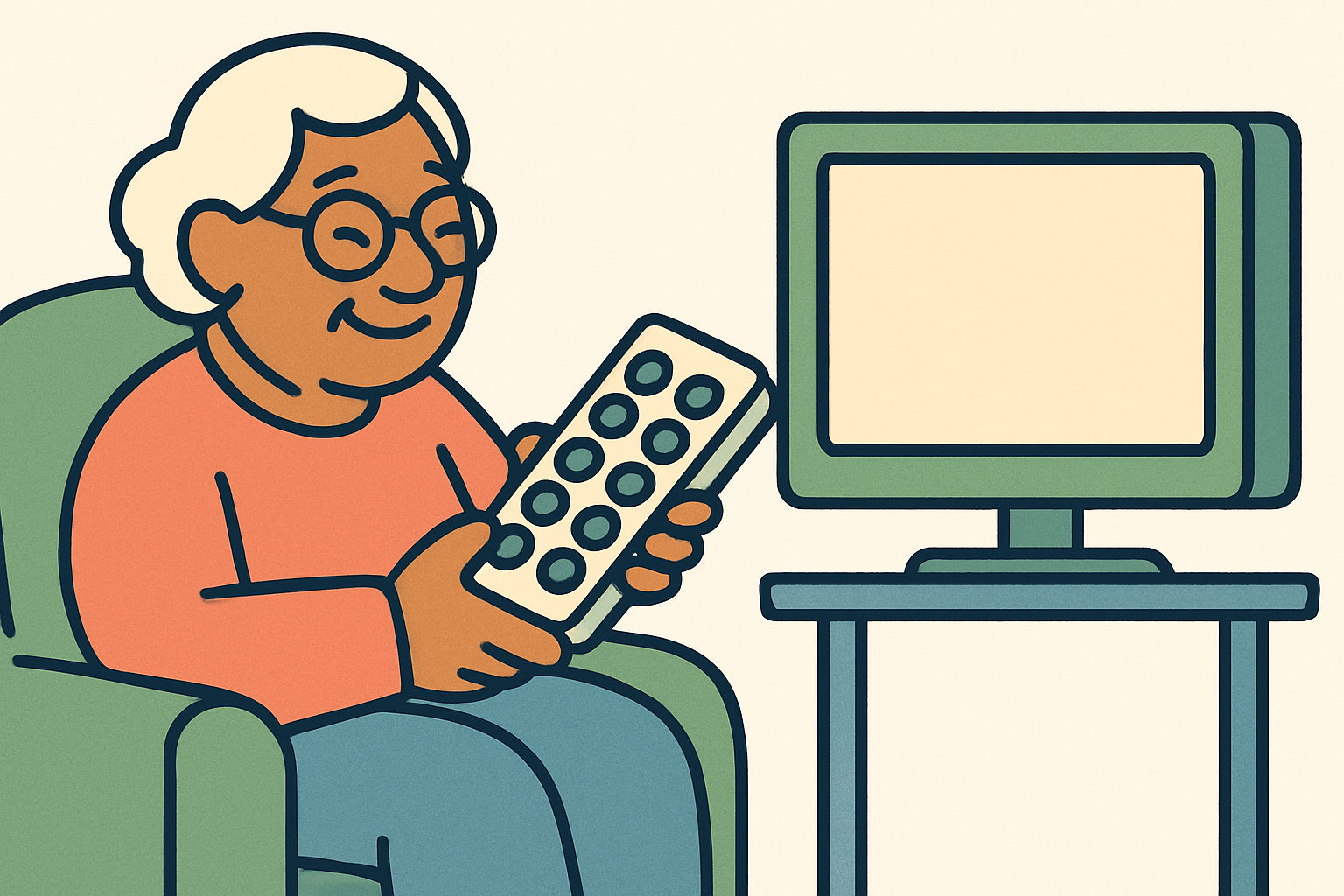
The Flipper Big Button Remote is a universal TV remote designed from the ground up with older adults in mind. Where most remotes cram in 40 or 50 buttons that most people never touch, the Flipper keeps it to around 10 large, well-spaced keys covering the functions a senior actually uses every day: power, volume up and down, channel up and down, mute, and a few others. The buttons are physically big, slightly raised, and colour-coded so your parent can find what they need even if their eyesight isn’t what it used to be.
The remote is made by a small company that has focused exclusively on the senior market, which shows in the design choices. This isn’t a standard remote with a “simplified mode” bolted on as an afterthought. The whole device was built around the assumption that the person holding it might have shaky hands, stiff fingers, or trouble reading small print. That focus makes a real difference in day-to-day use.
It works as a universal remote, meaning it can be programmed to control most major TV brands including Samsung, LG, Sony, Vizio, and many others. It replaces the existing remote rather than working alongside it, which keeps the coffee table tidy and removes the confusion of having multiple remotes in play.
Key Features
- Oversized, High-Contrast Buttons: The keys are significantly larger than those on a standard remote, with bold lettering and colour coding. For a parent with macular degeneration or general age-related vision decline, this alone makes the Flipper worth considering.
- Minimal Button Layout: Only the essential functions are included. There’s no input selector maze, no picture-mode toggle, no random shortcut buttons. Fewer buttons means fewer mistakes and less frustration.
- Universal Compatibility: Works with most major TV brands and can be programmed using a simple code lookup process. It controls the TV itself but does not control cable boxes or satellite receivers independently.
- Glow-in-the-Dark Keys: The buttons illuminate in low light, which is a practical detail for anyone who watches TV in a dim room and needs to find the volume button at night without turning on a lamp.
- Battery Life: Runs on two standard AAA batteries and typically lasts six to twelve months under normal use. AAA batteries are easy to find and easy to replace, unlike some remotes that use coin cells.
- Lightweight Design: The remote weighs very little and has a comfortable grip. For seniors with arthritis or reduced grip strength, a heavy remote becomes genuinely painful to hold for a whole evening.
- No Setup App Required: Programming is done through a manual code method, not a smartphone app. That matters a lot when your parent doesn’t own a smartphone or isn’t comfortable using one.
- Large Print Setup Guide: The instruction booklet uses larger text than average, which means your parent can actually read the troubleshooting section without hunting for their reading glasses.
Pros and Cons
| Pros | Cons |
|---|---|
| Buttons are genuinely large and easy to press, even with stiff or arthritic fingers | No dedicated buttons for streaming services like Netflix or Prime Video |
| Glow-in-the-dark keys are a thoughtful, practical touch for evening viewing | Does not control cable boxes or soundbars, only the TV itself |
| No smartphone or Wi-Fi required for setup, which keeps things accessible for less tech-savvy parents | Programming can occasionally be tricky with less common TV brands that aren’t in the code database |
| Affordable at around $30 to $35 with no subscription or ongoing costs | The design is fairly basic and some parents may initially resist switching from their familiar remote |
Pricing and Plans
The Flipper Big Button Remote retails for around $30 to $35 depending on where you buy it. There is no subscription, no monthly fee, and no app purchase required. You pay once and that’s it. Given that some purpose-built senior remotes can cost $50 to $80, the Flipper sits at a very reasonable price point. You can find it on Amazon, through the manufacturer’s own website, and occasionally at specialist medical or senior supply stores.
For comparison, a standard universal remote from Logitech or GE costs $10 to $20 but has a full cluttered button layout that defeats the purpose for most seniors. The extra $15 or so for the Flipper buys you a design that was actually thought through. If your parent goes through batteries quickly, budgeting a few dollars a year for AAA batteries is the only ongoing cost you’ll face.
See the latest price and availability for the Flipper Big Button Remote
Setup and Ease of Use
Setting up the Flipper takes most people about five to ten minutes. You look up your TV brand’s code in the included booklet, enter it using a simple button sequence, and the remote links to the TV. We’d recommend doing this yourself during a visit rather than walking your parent through it over the phone. The process isn’t technically difficult, but it does require following a sequence of steps correctly, and that’s where things can go sideways if someone’s not confident with gadgets.
Once it’s set up, daily use is where the Flipper really earns its place. When we set this up for a parent with arthritis in both hands, the difference compared to a standard remote was obvious within the first few minutes. The buttons require a firm but not excessive press, they don’t accidentally trigger when the remote is picked up, and the spacing between keys means pressing the wrong one by mistake is much less likely. If your parent has ever complained about accidentally muting the TV or losing the channel they were watching, a remote with this kind of layout removes most of those pain points.
The one honest caveat is that some parents resist switching. If your mum or dad has been using the same Sky or cable remote for years, they may push back on learning a new layout even if it’s objectively better for them. It’s worth framing it as “let’s try it for a week” rather than swapping their old remote out permanently on day one. Most people come around once they realise they’re no longer accidentally activating the wrong function.
How It Compares to Alternatives
The senior remote market has grown a lot in the past few years, so it’s worth understanding how the Flipper stacks up against a few other options your family might be considering.
| Feature | Flipper Big Button Remote | Tek Partner Big Button Remote | GE Big Button Universal Remote |
|---|---|---|---|
| Button size | Very large, colour-coded | Large, similar layout | Slightly larger than average |
| Number of buttons | Around 10 essential buttons | Around 12-15 buttons | Full layout, 30+ buttons |
| Glow-in-the-dark keys | Yes | Some models | No |
| Controls cable box | TV only | TV only | TV and some cable boxes |
| Setup method | Manual code, no app needed | Manual code | Manual code |
| Approximate price | $30 to $35 | $25 to $30 | $10 to $15 |
The GE option is cheaper but the full button layout largely cancels out the benefit of larger keys for seniors who get confused by too many options. The Tek Partner is a close competitor to the Flipper and worth a look if the Flipper is out of stock, though we give the Flipper a slight edge on button quality and the glow feature.
What Real Users Say
Across Amazon and senior care forums, the Flipper gets consistently positive feedback from adult children who bought it for a parent. The most common theme is relief: people describe setting it up during a visit and then getting noticeably fewer phone calls about TV problems. Parents who previously called every week to ask why the screen went black stopped calling once they had a remote where accidental muting was nearly impossible. That kind of practical impact shows up again and again in the reviews.
The praise around button feel is genuine. Multiple reviewers specifically mention that a parent with Parkinson’s or arthritis found the Flipper much easier to hold and press than their previous remote. The glow-in-the-dark feature gets mentioned more than you might expect, which suggests it’s solving a real problem for evening viewers rather than just being a novelty.
On the critical side, the most common complaint is the limitation around cable and satellite boxes. Quite a few buyers discovered after purchase that their parent primarily watches cable TV through a set-top box, and the Flipper only controls the TV itself. Volume and power work fine in those setups, but channel changing on a cable box won’t work. A handful of reviewers also report that setup was harder than expected for less common TV brands where the code lookup didn’t go smoothly on the first try. These are real limitations worth knowing before you buy.
Who Should Buy the Flipper Big Button Remote?
This Is a Great Fit If…
- Your parent watches broadcast TV or uses a Roku, Fire Stick, or Apple TV that connects through their television’s HDMI, and mainly needs to control the TV’s volume and power.
- Arthritis or reduced hand strength makes gripping and pressing a standard remote genuinely uncomfortable. The Flipper’s lightweight build and large buttons make a real physical difference.
- Your mum or dad keeps accidentally pressing the wrong buttons on their current remote and calling you to fix it. Removing 30 unnecessary buttons eliminates most of those accidental mishaps.
- You want something you can set up quickly during a weekend visit that your parent can then use completely independently without needing to call you for help.
Look Elsewhere If…
- Your parent primarily watches TV through a cable or satellite box and needs to change channels on that box. In that situation, look for a large button universal remote that explicitly supports two-device control, such as certain models in the Tek Partner range.
- Your parent’s main TV activities involve browsing smart TV apps directly on the screen, where they need Netflix, YouTube, and settings buttons. A simplified smart TV remote from the TV manufacturer, or an Amazon Fire TV remote, may serve them better.
- Your parent is resistant to change and gets anxious about new gadgets. The Flipper requires replacing their current remote entirely, and that transition can cause short-term frustration even when the end result is better.
Frequently Asked Questions
Will the Flipper Big Button Remote Work With My Parent’s TV?
It works with most major TV brands including Samsung, LG, Sony, Vizio, Toshiba, Philips, and others. The box includes a code booklet listing compatible brands and models. If your parent has a less common or older TV brand, there’s a small chance the code won’t be listed, though the remote does include a scanning function that searches for compatible codes automatically. It’s worth checking the manufacturer’s compatibility list before you buy if your parent’s TV is an older or off-brand model.
Can the Flipper Remote Control a Cable Box or Satellite Receiver?
This is probably the most important thing to know before buying: the Flipper is designed to control the TV itself, not a separate cable or satellite box. If your parent changes channels through a Sky box, a Comcast cable box, or a similar set-top device, the Flipper won’t be able to change those channels. It can still control TV power and volume in those setups, but for full control of a cable system your parent would need a different remote.
How Hard Is It to Set Up the Flipper Remote?
Setup takes most people five to ten minutes using the code lookup method in the included booklet. You find your TV brand in the list, enter the corresponding code using a button sequence, and the remote pairs to the TV. It’s not complicated, but it does require following steps in the right order. We’d suggest setting it up yourself rather than guiding your parent through it remotely, especially if they’re not confident with tech.
What Batteries Does the Flipper Remote Use, and How Long Do They Last?
The Flipper runs on two standard AAA batteries, which are included in the box. Battery life varies by usage but most users report six to twelve months before needing a replacement. AAA batteries are easy to find at any grocery or pharmacy, which matters for a senior who might need to replace them independently. If your parent struggles with battery compartment covers, it’s worth checking that the compartment is manageable for their hands when you first set the remote up.
Final Verdict
If you’re looking for the best large button TV remote for elderly parents who watch broadcast TV or use a streaming stick, the Flipper Big Button Remote is genuinely one of the strongest options at its price point. It’s not a perfect product, and families who need full cable box control will need to look elsewhere, but for the scenario it was designed for it does the job well and reduces the tech-related phone calls that many of us know all too well. At $30 to $35 with no ongoing costs, it’s a low-risk purchase that often makes a noticeable difference to daily quality of life.
Check the current price for the Flipper Big Button Remote on Amazon