Google Nest Hub Review 2026: the Best Smart Display for Seniors Who Live Alone?
Our Verdict
The Google Nest Hub is one of the most genuinely useful smart displays an elderly parent can have on their kitchen counter or bedside table. It’s excellent for voice-controlled reminders, music, weather, and hands-free information. That said, it’s not a true video calling device on its own, and seniors who struggle with technology will still need a family member to handle the initial setup and Google account linking.
Best for: Seniors who are comfortable asking questions out loud, want medication or appointment reminders, and already live in a household with some Google or Android devices.
Not ideal for: Elderly parents whose primary need is video calling with family, or anyone who refuses to speak to a device and prefers tapping a tablet instead.
What Is Google Nest Hub?
The Google Nest Hub is a small touchscreen smart display made by Google. It sits on a flat surface, connects to your home Wi-Fi, and responds to the voice command “Hey Google.” You can ask it to set timers, play music, read the news, control smart home lights, show recipes, and display your calendar. The screen size comes in two flavours: the standard 7-inch Nest Hub (around $99) and the larger 10-inch Nest Hub Max (around $229), which adds a built-in camera for video calling.
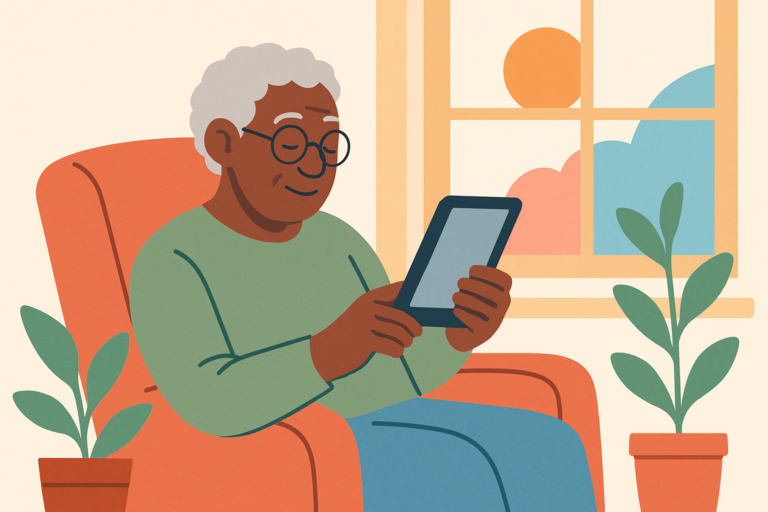
For seniors, the appeal is real. Imagine your mum asking out loud what the weather is today instead of fumbling with a phone. Or your dad getting a spoken reminder that his blood pressure medication is due at 8am, without needing to touch anything. The device is always on, always listening, and always ready. There’s no app to open, no passcode to remember, no small icons to squint at.
Google has been refining this product for several years now. The current generation added a sleep tracking sensor (on the standard Hub), better ambient display settings, and tighter integration with Google Calendar and Google Photos. It’s a mature product, not a first-generation experiment, and that shows in day-to-day reliability.
Key Features
- Hands-Free Voice Control: “Hey Google” activates the device instantly. For seniors with arthritis or limited hand mobility, this means they can get information, set reminders, or play music without touching anything at all.
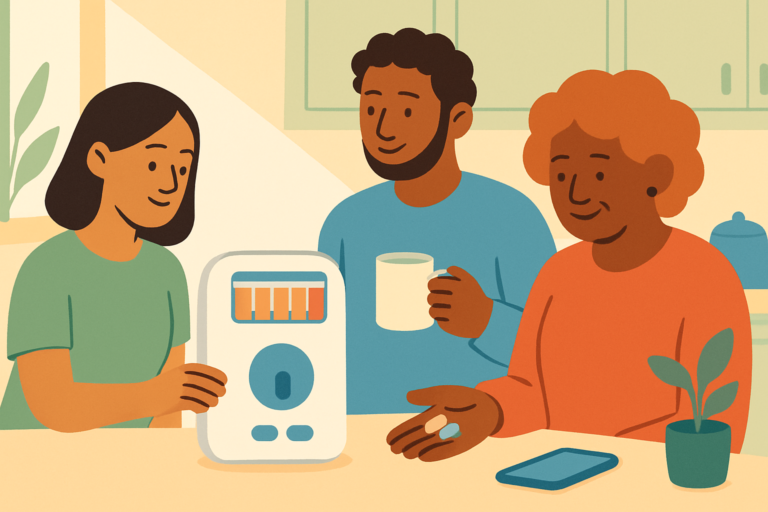
- Medication and Appointment Reminders: You can schedule recurring voice reminders through the Google Home app on your phone. The Hub will speak the reminder aloud and display it on screen. This is one of the most practical features for elderly users managing multiple medications.
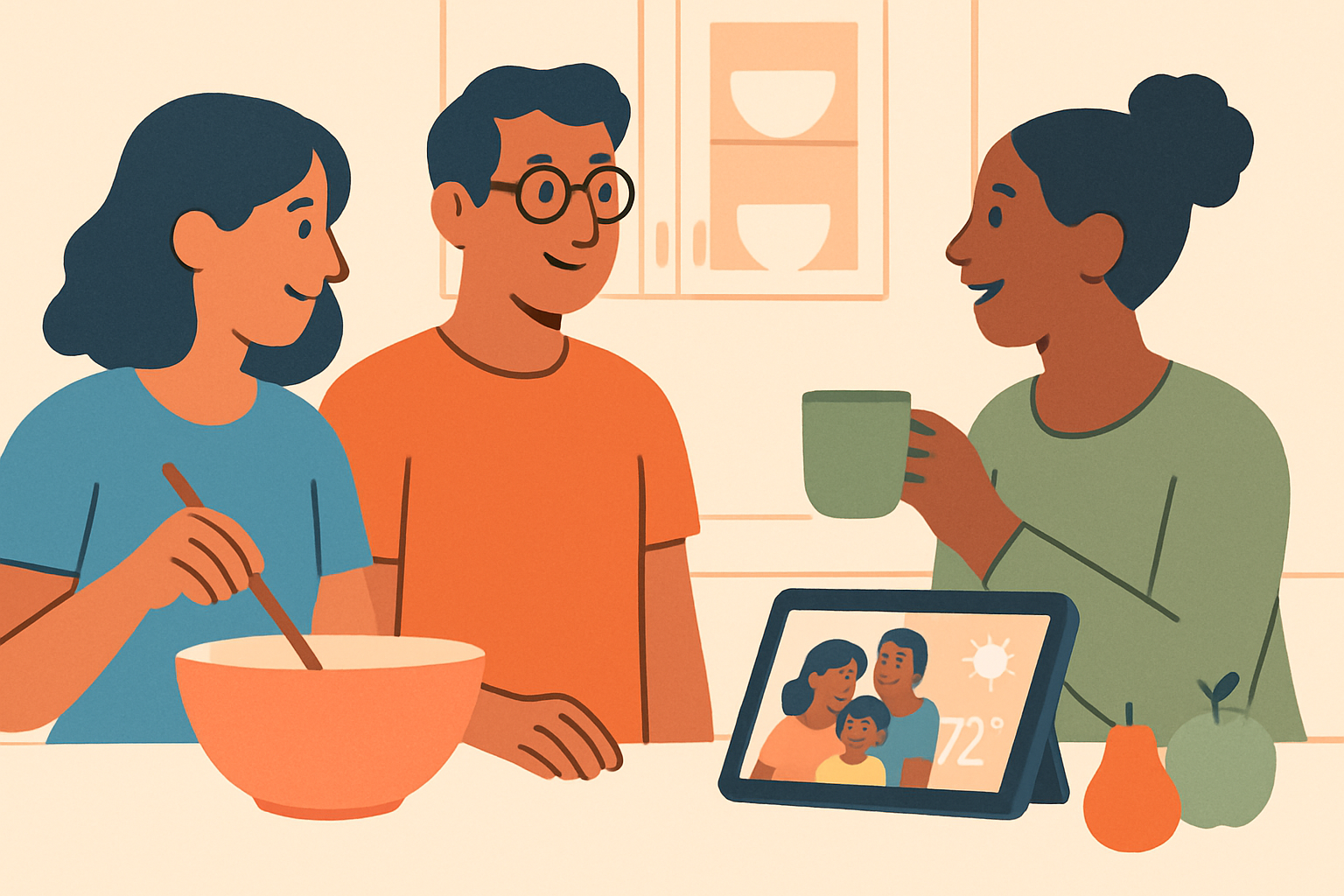
- Google Photos Slideshow: The display can cycle through family photos automatically when it’s idle. Many families find this deeply appreciated by grandparents who light up seeing recent photos of grandchildren without needing to operate any device.
- 7-Inch Touchscreen (Standard) or 10-Inch (Max): Text is reasonably large in most use cases, though the standard 7-inch screen is small for seniors with significant vision loss. The Max’s 10-inch screen is considerably more readable.
- Sleep Tracking Sensor (Standard Hub Only): The standard Nest Hub includes a Soli radar sensor that monitors sleep patterns without any wearable. For adult children worried about a parent’s sleep quality, this data is accessible in the Google Home app.
- Smart Home Control: If your parent’s home has smart lights, a smart thermostat, or a video doorbell, the Nest Hub becomes a central control panel they can operate with voice alone. “Hey Google, turn on the living room light” is far easier than any app.
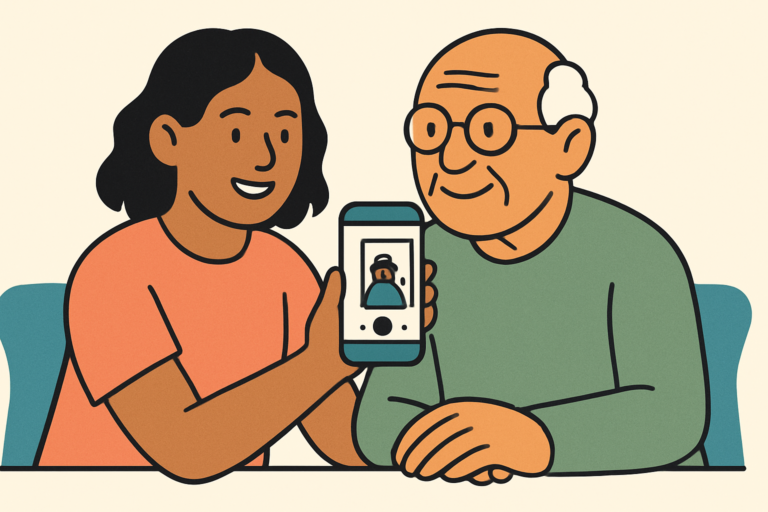
- Video Calling via Nest Hub Max: The 10-inch Max model has a built-in camera and supports Google Meet and Duo video calls. The standard 7-inch Hub does not have a camera, which is a significant limitation if video connection with family is the main goal.
- Ambient Display Mode: When idle, the screen dims and shows the time, temperature, and upcoming calendar events in large text. This is a subtle but genuinely helpful feature for seniors who glance at a clock dozens of times a day.
Pros and Cons
| Pros | Cons |
|---|---|
| Hands-free voice control is excellent for seniors with arthritis or mobility issues | The standard 7-inch model has no camera, so video calling requires the more expensive Max |
| Reliable spoken and on-screen reminders for medications and appointments | Initial setup requires a Google account and a smartphone, which means family involvement from the start |
| Google Photos slideshow gives isolated seniors a warm, passive connection to family | Voice recognition can struggle with heavy accents or quieter voices, which is frustrating for some older users |
| Sleep tracking on the standard Hub gives families passive insight into a parent’s rest patterns | The Google ecosystem can feel limiting if the family uses iPhones and Apple services, since some features work better in an Android-first home |
Pricing and Plans
The standard Google Nest Hub (7-inch) retails for around $99. The Nest Hub Max (10-inch, with camera) costs around $229. Google occasionally discounts these during major sales events, and refurbished units from the Google Store are a legitimate way to save $20 to $30. There is no required subscription for the core features. Voice reminders, smart home control, music streaming from free services, and weather information all work without paying anything beyond the device itself.
Where costs can creep in: if you want to stream music from Spotify or YouTube Music without ads, those services require their own subscriptions (roughly $10 to $11 per month). Google Photos is free for compressed storage but charges for higher-resolution plans. These are optional extras, not requirements for the device to be useful for a senior parent.
Compared to the Amazon Echo Show 8 (around $149) or the Echo Show 10 (around $249), the Nest Hub is competitively priced. The Amazon options include cameras on more models, which is worth factoring in if video calling is a priority.
Setup and Ease of Use
Let’s be direct about this: your elderly parent almost certainly cannot set this up alone. The initial setup requires a smartphone with the Google Home app installed, a Google account (or creating one), and connecting the device to your home Wi-Fi network. This takes about 15 to 20 minutes if everything goes smoothly. Plan to do this yourself during a visit, or walk your parent through it on a video call if they’re reasonably tech-comfortable. Don’t leave it in a box and expect them to figure it out.
Once it’s set up, though, daily use is genuinely accessible. There’s nothing to log into. Your parent just says “Hey Google” and asks their question. We’ve seen seniors in their late 70s who had never used a smartphone pick up voice commands within a single afternoon, particularly for things they actually want, like playing Frank Sinatra or asking about the weather. The learning curve is low once the device is running.
The touchscreen interface is less impressive for older users. The icons and menus are not designed specifically for senior vision or motor control. If your parent wants to swipe through photos or tap to start a video call, they may find it fiddly. We recommend framing it as a voice-first device for most seniors, and only teaching them touch controls for one or two specific tasks they’re motivated to learn. Keep it focused. Overloading them with features on day one is a reliable way to put the device in a drawer.
How It Compares to Alternatives
The Nest Hub isn’t the only smart display option, and depending on your parent’s situation, a competitor might actually serve them better.
| Feature | Google Nest Hub (7″) | Amazon Echo Show 8 | Amazon Echo Show 5 |
|---|---|---|---|
| Screen Size | 7 inches | 8 inches | 5.5 inches |
| Built-In Camera | No | Yes (13MP) | Yes (2MP) |
| Video Calling | No (without Max) | Yes (Alexa, Zoom) | Yes (Alexa, Zoom) |
| Sleep Tracking | Yes (radar sensor) | No | No |
| Price (approx.) | $99 | $149 | $89 |
| Best Ecosystem Fit | Google / Android homes | Amazon / mixed homes | Amazon / budget households |
If video calling with grandchildren is the top priority, we’d honestly recommend the Echo Show 8 over the standard Nest Hub, purely because the built-in camera makes that so much easier. If your family is already on Android and Google Calendar, the Nest Hub fits more naturally into daily life.
What Real Users Say
Across verified reviews on the Google Store and major retail platforms, the most consistent praise from adult children is about the photo slideshow feature. Again and again, people mention that their elderly parent’s face lit up when they saw family photos cycling on the screen automatically. That’s not a minor thing. For a parent living alone, having a device that quietly shows them grandchildren throughout the day has real emotional value.
Reminders also get strong marks. Users frequently mention that a parent who previously forgot medication doses now gets a spoken reminder that’s hard to ignore. Several reviewers note they set these up remotely through the Google Home app, which means you can adjust reminder times without making a house call.
The complaints cluster around two areas. First, voice recognition accuracy. Seniors with softer voices, strong regional accents, or any speech changes from conditions like Parkinson’s disease report higher rates of the device mishearing them or responding with “I’m not sure how to help with that.” It can be genuinely frustrating, and Google hasn’t fully cracked this for all voice profiles. Second, the lack of a camera on the standard model comes up repeatedly as a disappointment when families realise video calling isn’t included. That’s an important expectation to set before buying.
Who Should Buy Google Nest Hub?
This Is a Great Fit If…
- Your parent lives alone and needs reliable spoken medication or appointment reminders throughout the day.
- The family is already using Android phones and Google Calendar, so reminders and calendar events sync without any extra effort.
- You want to share family photos passively with an elderly parent who would never manage a photo-sharing app on their own. Setting up a shared Google Photos album takes you ten minutes and gives them months of joy.
- Your parent has arthritis, limited hand mobility, or conditions that make touchscreens painful or difficult, and voice control would genuinely change their daily independence.
Look Elsewhere If…
- Video calling is the main reason you’re buying a smart display. Save up for the Nest Hub Max or choose the Amazon Echo Show 8, which has a camera at a lower price point than the Max.
- Your parent is an Apple household through and through. FaceTime doesn’t work on the Nest Hub, iCloud Photos don’t sync to it, and the whole experience will feel like using a foreign language compared to what they already know.
- Your parent is resistant to talking to devices and won’t use voice commands. Without voice control, the Nest Hub is just a small, expensive digital photo frame with a fiddly touchscreen.
Frequently Asked Questions
Can Seniors Use Google Nest Hub Without a Smartphone?
Once it’s set up, yes. Your elderly parent doesn’t need a smartphone to use the Nest Hub day to day. They just talk to it. The catch is that initial setup and ongoing adjustments (like changing reminder times or updating the Google Photos album) require the Google Home app on a smartphone or tablet, which is where you as their adult child come in. Think of yourself as the behind-the-scenes administrator.
Does Google Nest Hub Work for Video Calls with Grandchildren?
The standard 7-inch Nest Hub does not have a built-in camera, so it can’t make or receive video calls on its own. The Nest Hub Max (10-inch, around $229) does have a camera and supports Google Meet video calls. If video calling is a priority, you’ll either need the Max or a different device entirely. It’s one of the most common surprises people encounter when they buy the standard model expecting video call capability.
How Loud Is the Google Nest Hub Speaker for Hard-of-Hearing Seniors?
The speaker on the standard Nest Hub is decent for a small device, but it’s not powerful enough to fill a large room. For seniors with mild to moderate hearing loss, the volume is usually adequate when the device is nearby, like on a kitchen counter or bedside table. The Nest Hub Max has a noticeably better speaker. If your parent has significant hearing loss, you might also consider pairing the device with a Bluetooth speaker for music, though spoken reminders and Google’s voice responses can’t be redirected this way.
Is the Google Nest Hub Safe for Seniors Who Have Memory Issues?
The Nest Hub can be a helpful tool for seniors in the early stages of memory difficulties. Spoken reminders for medications, appointments, and daily routines are genuinely practical. The ambient display showing the date, time, and upcoming events can also reduce confusion. That said, it’s not a dementia care device. It won’t detect if a senior has fallen, won’t alert family members in an emergency, and won’t prompt a person who has forgotten the device exists. For more advanced memory care needs, a dedicated medical alert system is a more appropriate solution alongside a device like this.
Final Verdict
The Google Nest Hub earns its place on the kitchen counter or bedside table of the right elderly parent. If your mum or dad is reasonably independent, lives alone, and would genuinely benefit from hands-free reminders, ambient family photos, and voice-controlled information, this device delivers all of that reliably at a fair price. It’s not perfect, the lack of a camera on the standard model is a real limitation, and voice recognition still stumbles with some seniors. But for what it does well, it does very well.
We’d suggest the standard Nest Hub as a starting point for most families, with the Nest Hub Max as the upgrade worth paying for if video calling with grandchildren is part of the plan. Either way, plan to spend